
Score without
breaking rhythm.
One tap on your Apple Watch scores the point in tennis or padel. Your iPhone shows how you serve, why you win points, and how you play against each opponent.

Free to download.
Score on Apple Watch with watchOS 10.6 or later, or log a match on iPhone.
The scoreboard stays on your wrist. The stats are on your phone.
Only the watch you already wear
Video apps need a phone clipped to the fence. RallyN scores from your wrist, and your phone stays in the bag.
More than the score
Mark the serve and the shot that ended each point. After the match, you see what won it and what lost it.
Tennis and padel, one app
Singles and doubles, with the rules each sport uses. Your opponents and history stay in one place.
Beautiful, and easy on court
The most beautiful score app for tennis and padel, and the easiest to use. Big tap areas, clear colors, one tap a point.
Before the match
-
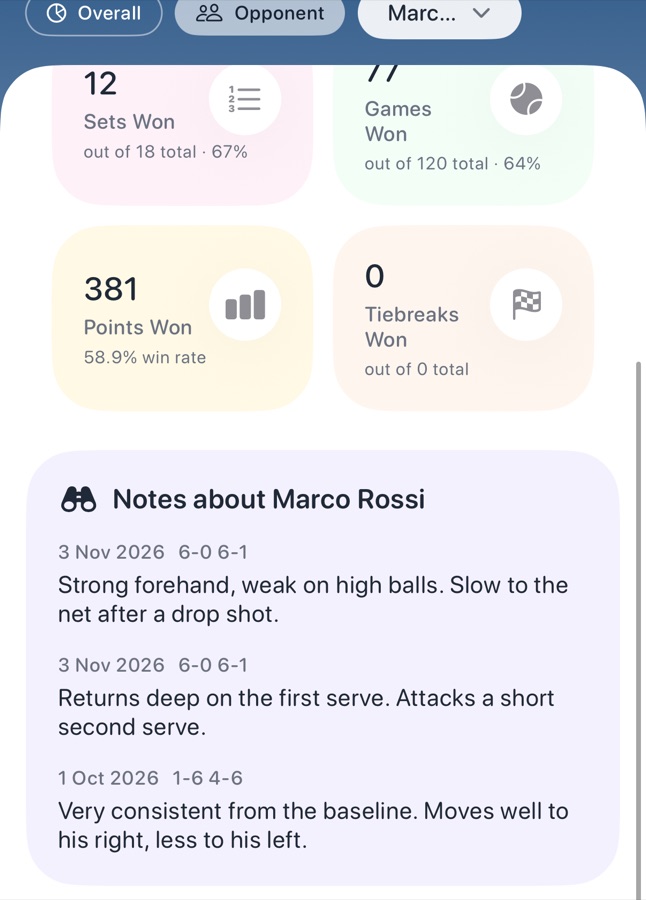
What you wrote last time
Before a rematch, read your notes about that opponent. Dictate new ones after each match.
-
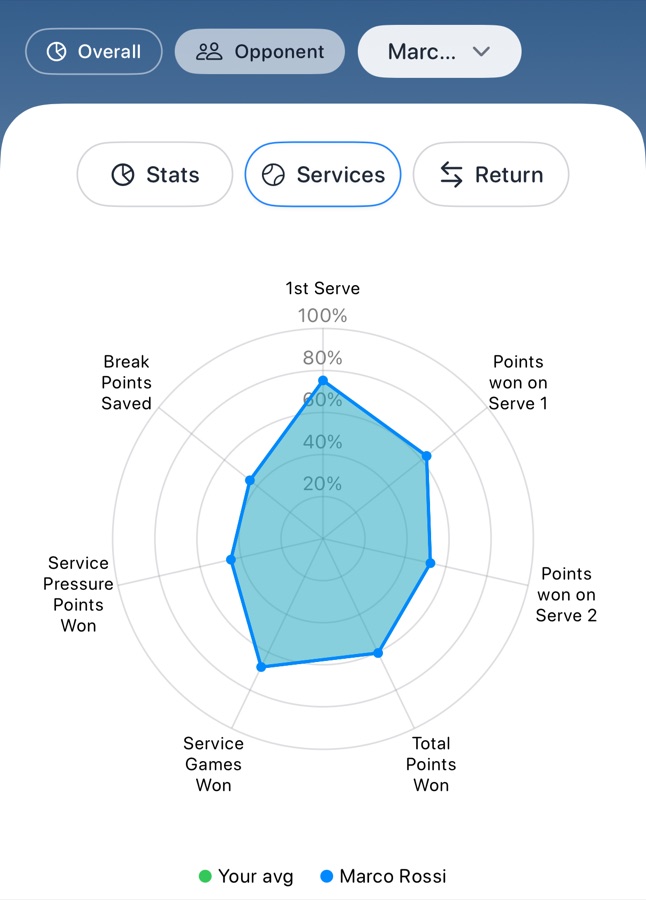
Know your opponent
Head-to-head, and how you serve and return against each player you meet.
-
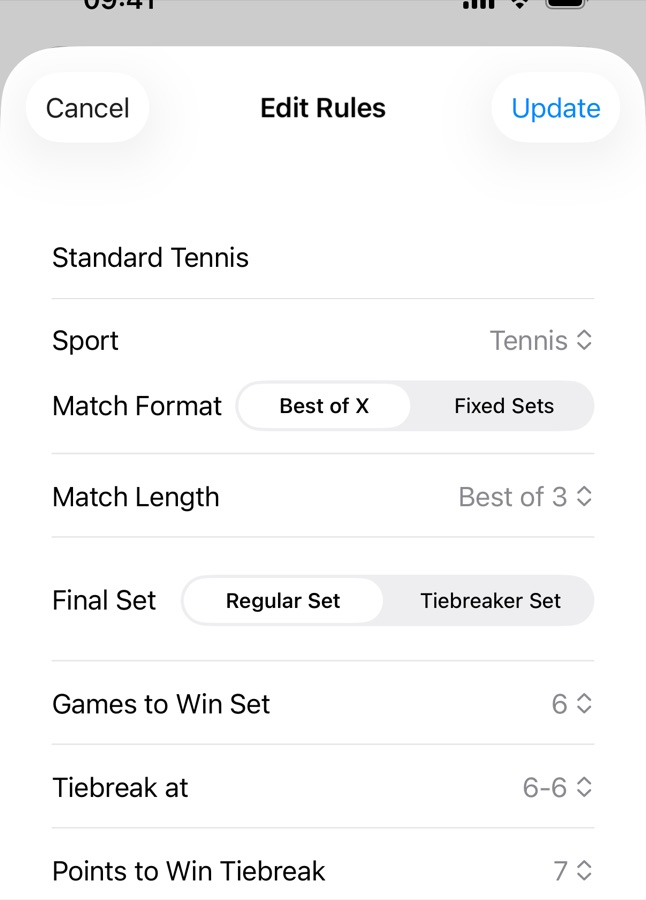
Set your club's rules
Pick the format once. The watch uses it in every match.
Every format your club plays
Set the format before you start. RallyN tracks the server, the side and the score for you.
- Best of 3 or 5 sets
- Tiebreak at 6–6
- Match tiebreak to 10
- No-ad scoring
- Golden point for padel
- Doubles serve order
- Changeovers with a rest timer
- Training sessions with no score
- Phone can stay in your bag
During the match
-
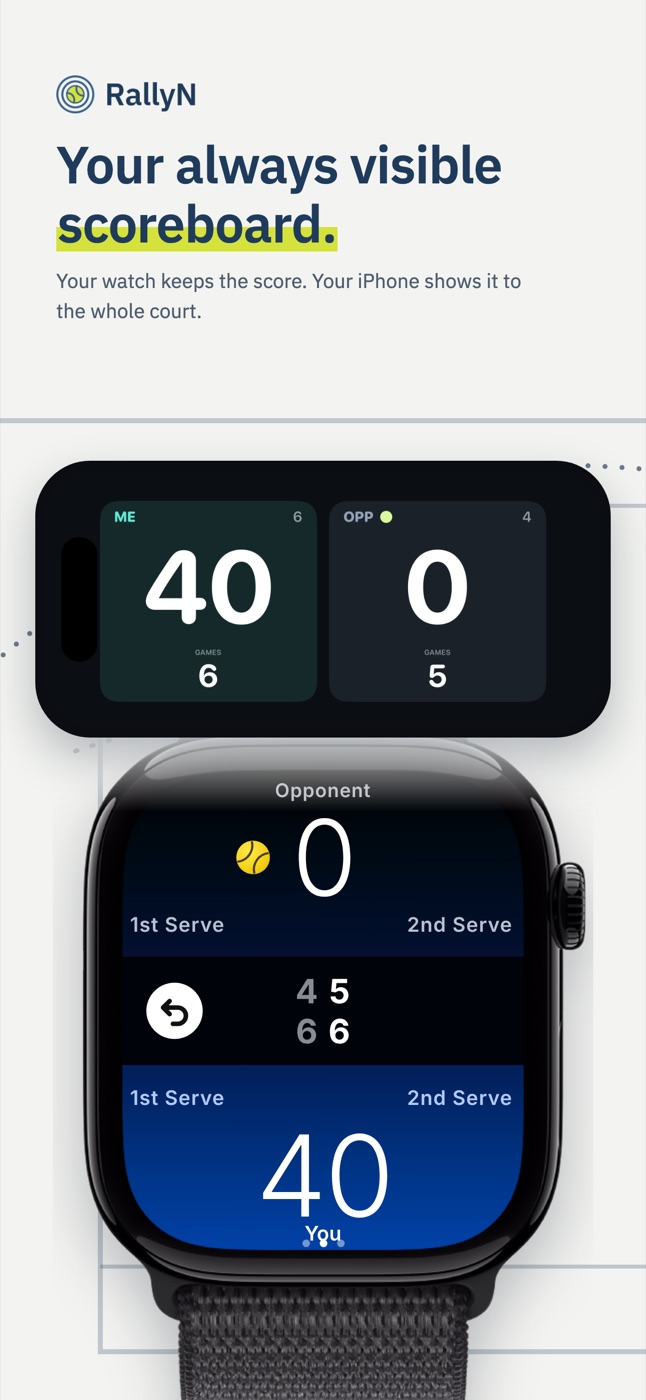
A scoreboard for the whole court
Turn your iPhone sideways. It shows the live score and the set scores to everyone, and it stays awake.
-
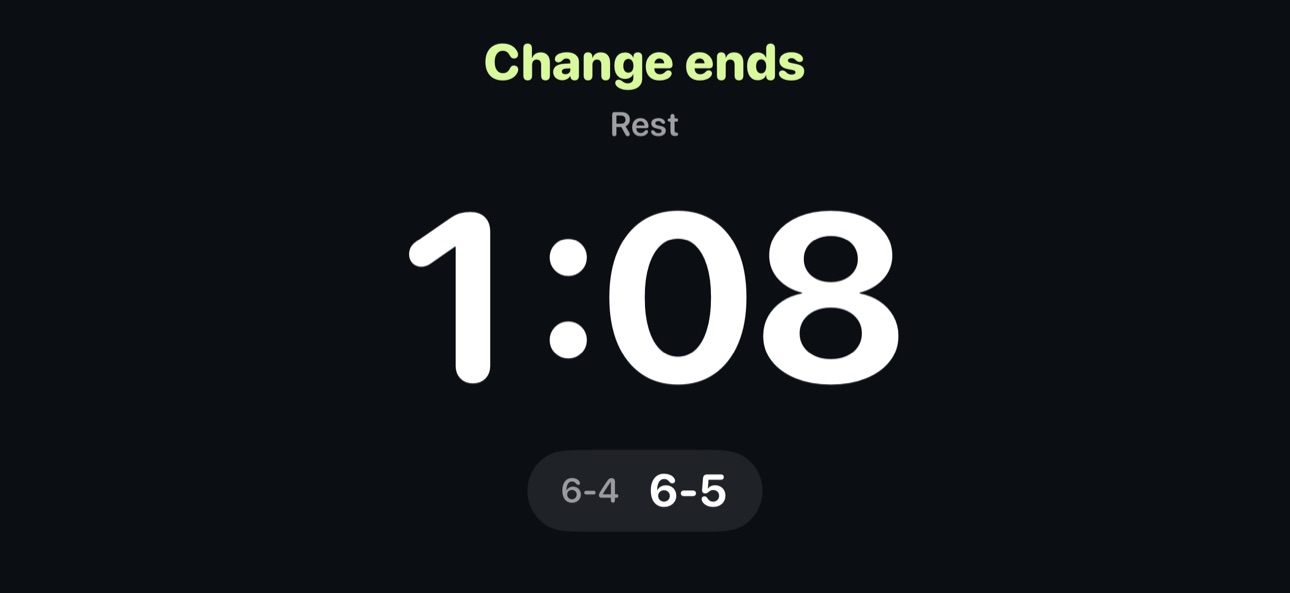
Changeovers with a rest timer
After the point that calls for a change of ends, the watch counts down your rest. Skip it if you are ready.
-
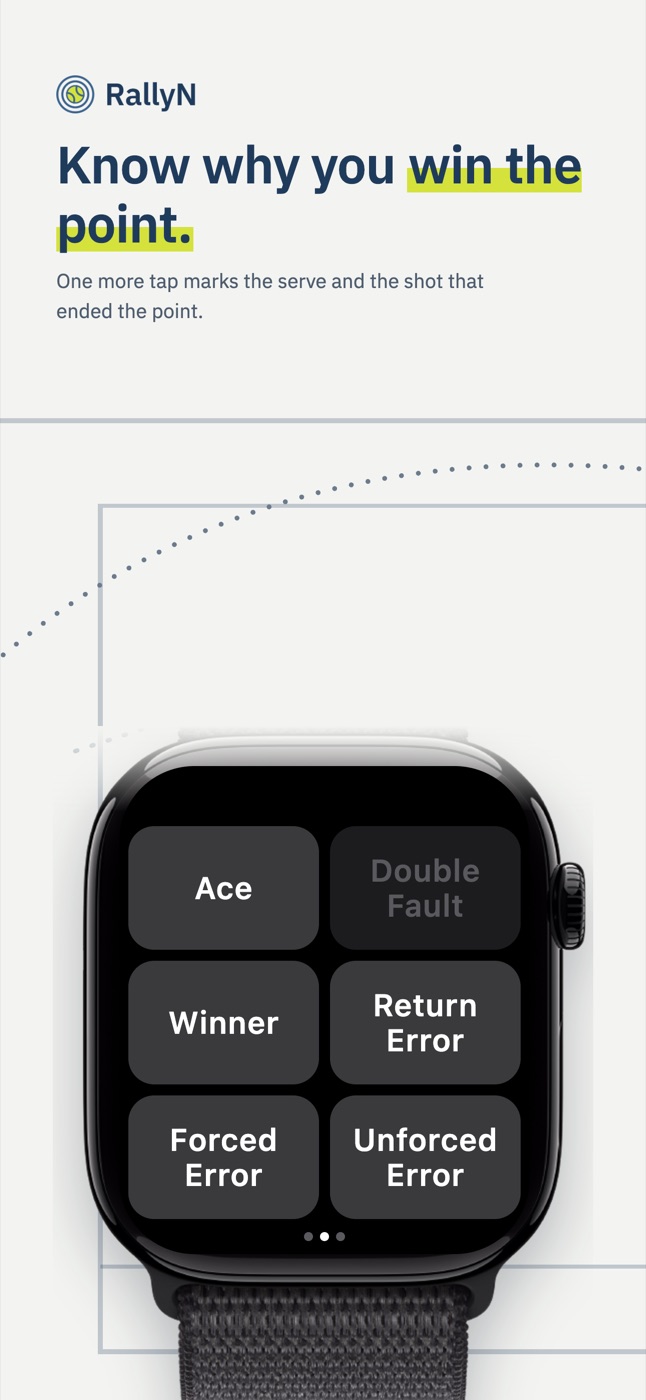
Why the point ended
One tap scores the point. One more marks the serve and the shot that ended it.
After the match
-
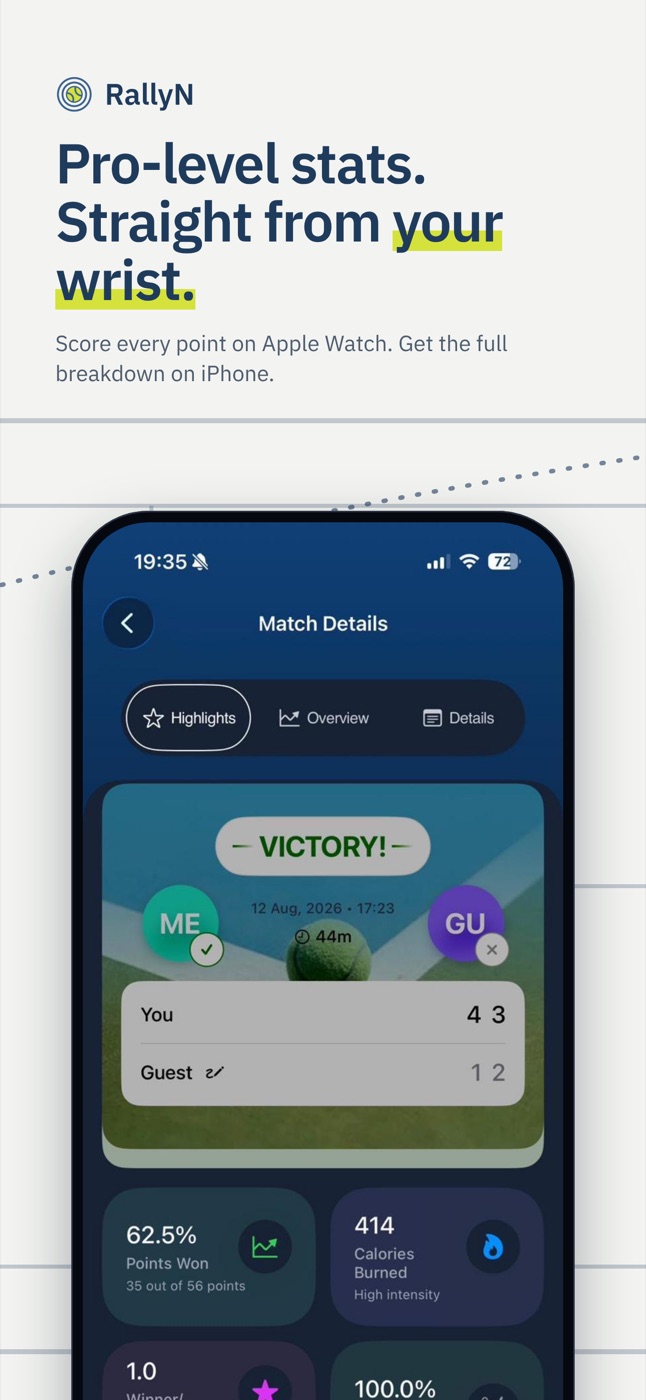
Every match, broken down
Points won, calories and heart rate from Apple Health, and the set-by-set score.
-
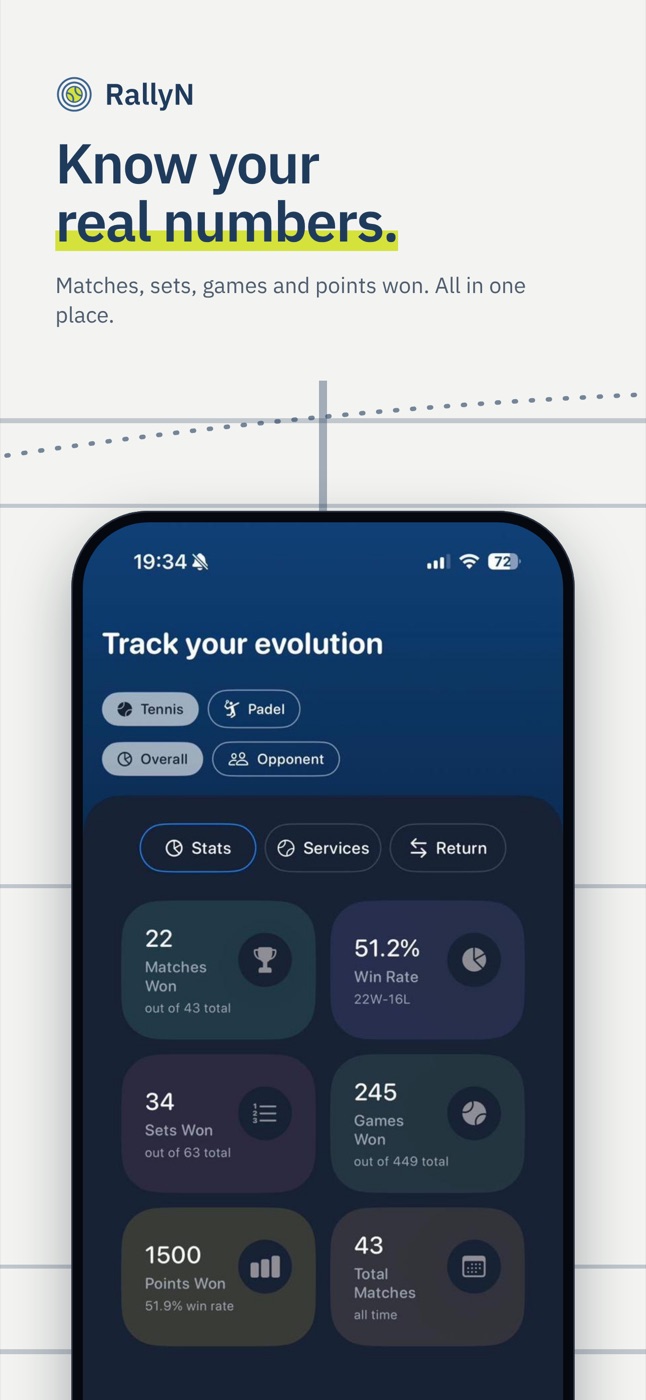
Your real numbers
Win rates for matches, sets and games, for tennis and padel separately.
-
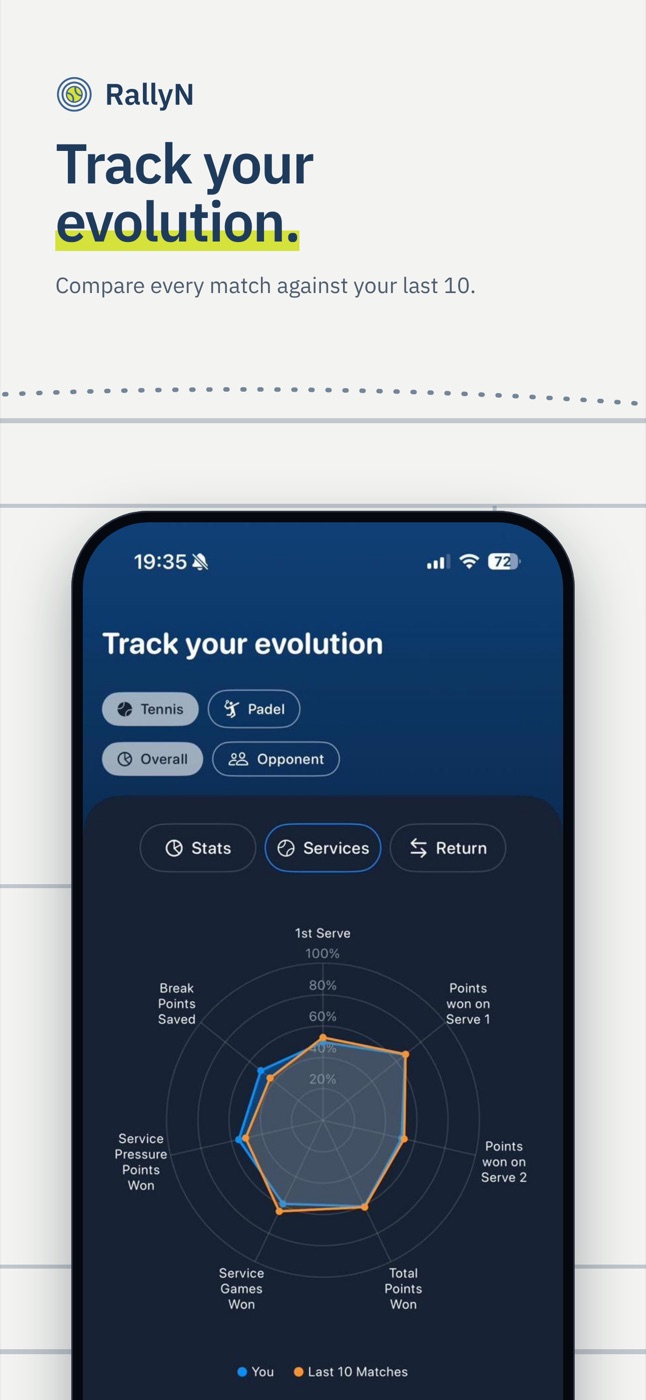
Compare with your last 10
A radar chart puts each match next to your recent form.
-
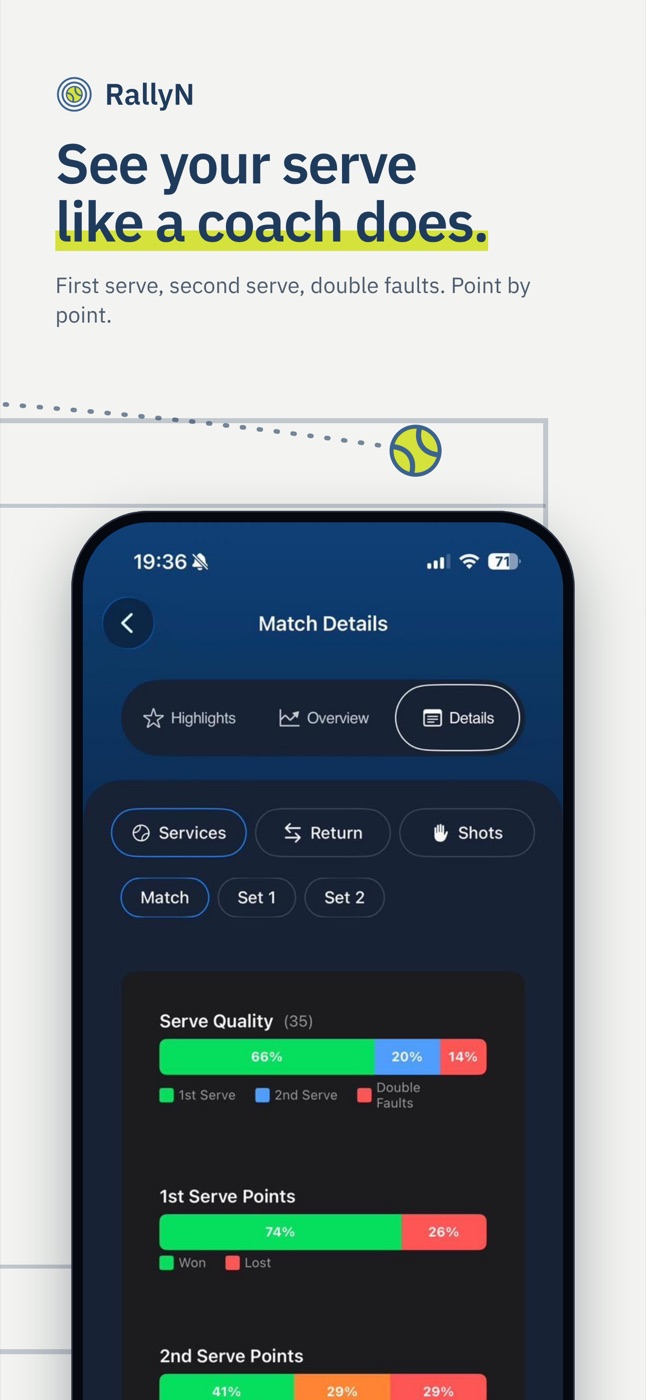
Your serve, point by point
First serves, second serves and double faults, for each set.
-
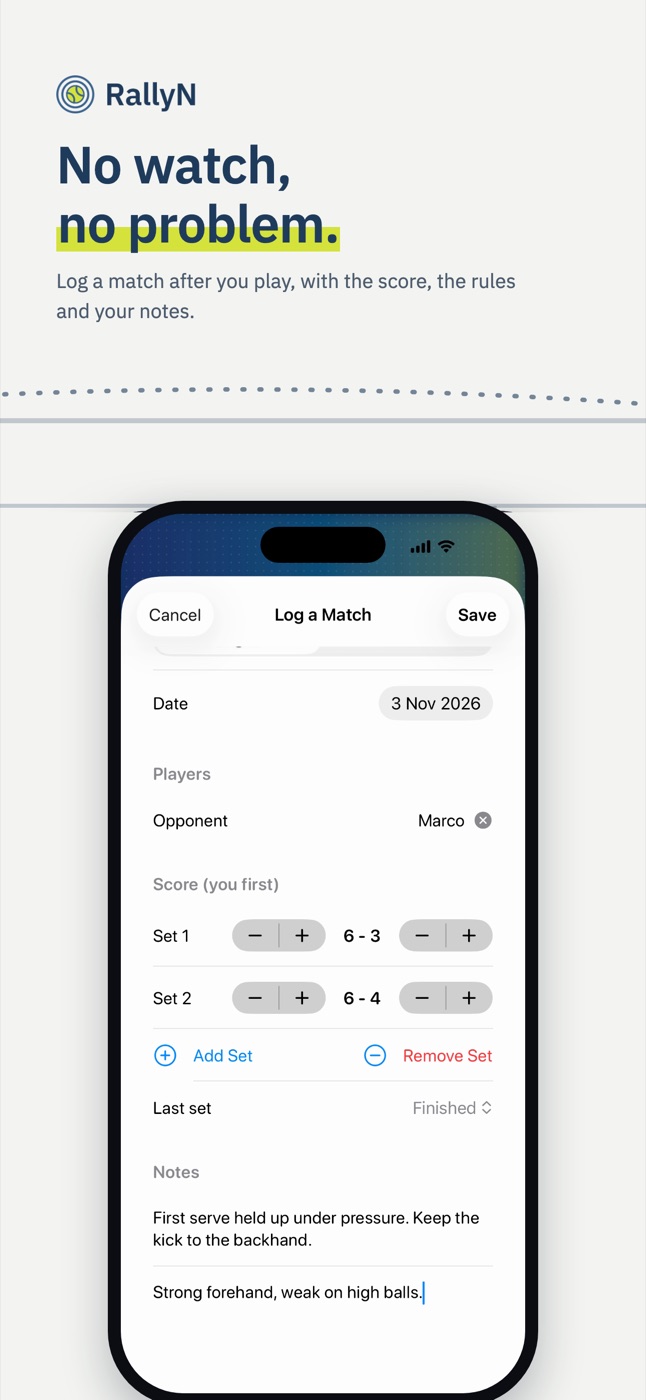
No watch? Log it after
Add the score, the rules and your notes on iPhone. The match counts in your records.
Watch it on court first
Each video shows one thing on the watch, start to finish. New ones go up on TikTok and Instagram first.
-
Score a tennis match
-
Log how each point ended
-
See who serves in padel doubles
-
Set your club's padel rules

Bring it to your next match.
Get RallyN on iPhone. The Apple Watch app comes with it.